Enterprise DDR5 memory & ultra-fast NVMe storage for high-performance hosting.
See plansHow to Rebuild or Reinstall Your VPS
If you need a fresh start or wish to switch from Ubuntu to Debian or AlmaLinux, you can trigger an automated rebuild directly from your dashboard in the QeinTech Console.
Warning: Reinstalling your VPS formats the primary NVMe disk. Be sure to back up critical databases, configuration files, and application data before proceeding.
Automated OS Rebuild Workflow
Rebuilding your VPS Hosting instance wipes and reprovisions the disk with a clean distribution template while retaining your assigned static IPv4 address:
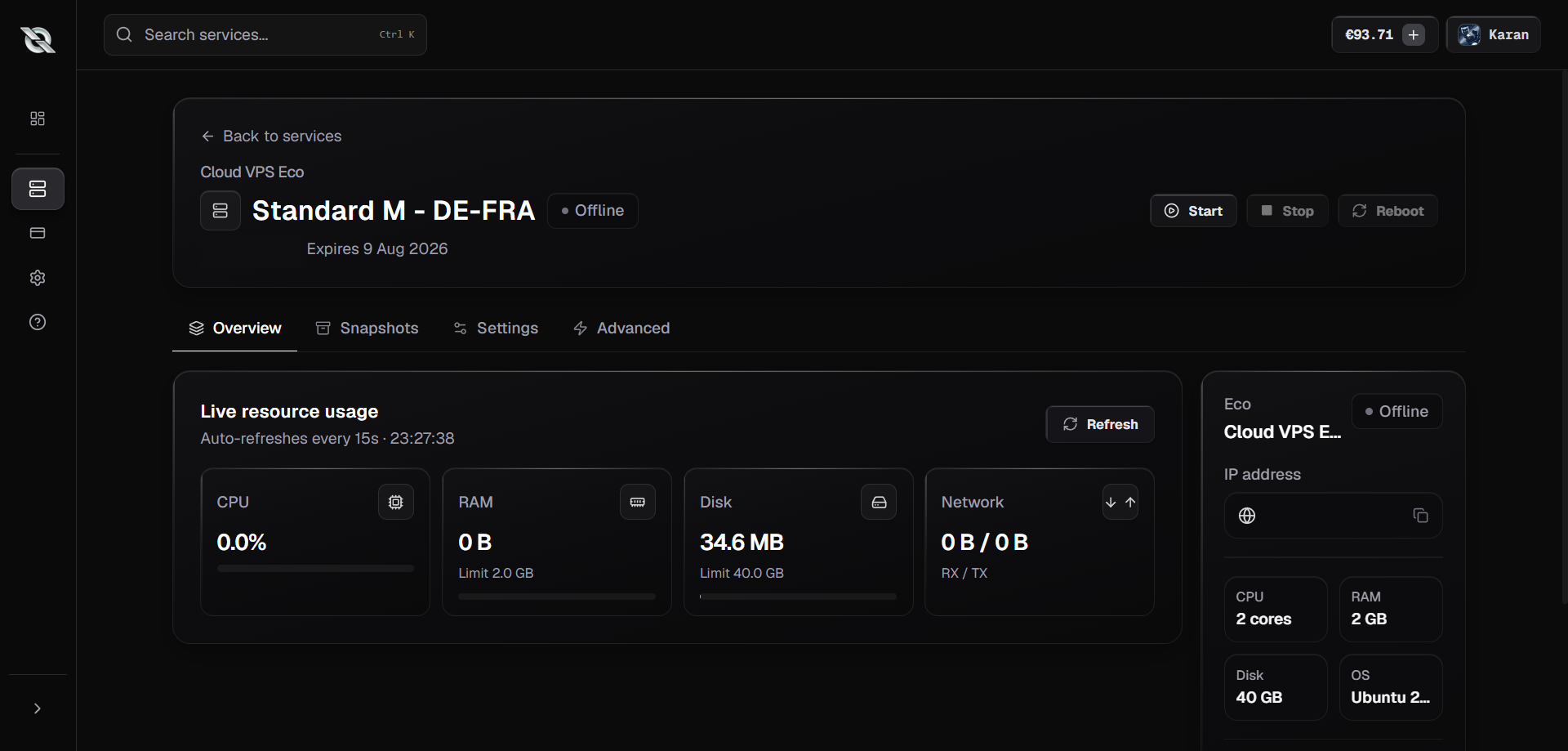
1. Navigate to Instance Settings
Open your instance dashboard in the QeinTech Console and click on the 'Rebuild' or 'Settings' tab.
2. Choose Your New OS Image
Select your desired Linux distribution (e.g. Ubuntu 24.04 LTS, Debian 12, AlmaLinux 9) from the dropdown menu.
3. Confirm Reinstallation
Confirm the action. Our automated cloud hypervisors will partition the NVMe drive and deploy the fresh OS image in under 60 seconds.
4. Reconnect via SSH
Once complete, your fresh root credentials will be displayed in the console. Connect via terminal or PowerShell immediately.
Still have questions?
Our engineering team and Discord community are available 24/7.