Enterprise DDR5 memory & ultra-fast NVMe storage for high-performance hosting.
See plansHow to Upgrade or Downgrade Your Service
As your community grows or your web traffic expands, you can upgrade your Minecraft Hosting or VPS Hosting plan instantly without losing any server data.
Our automated billing system calculates prorated balances, crediting any unused time on your current plan toward the upgraded tier.
Scaling Resources in Real Time
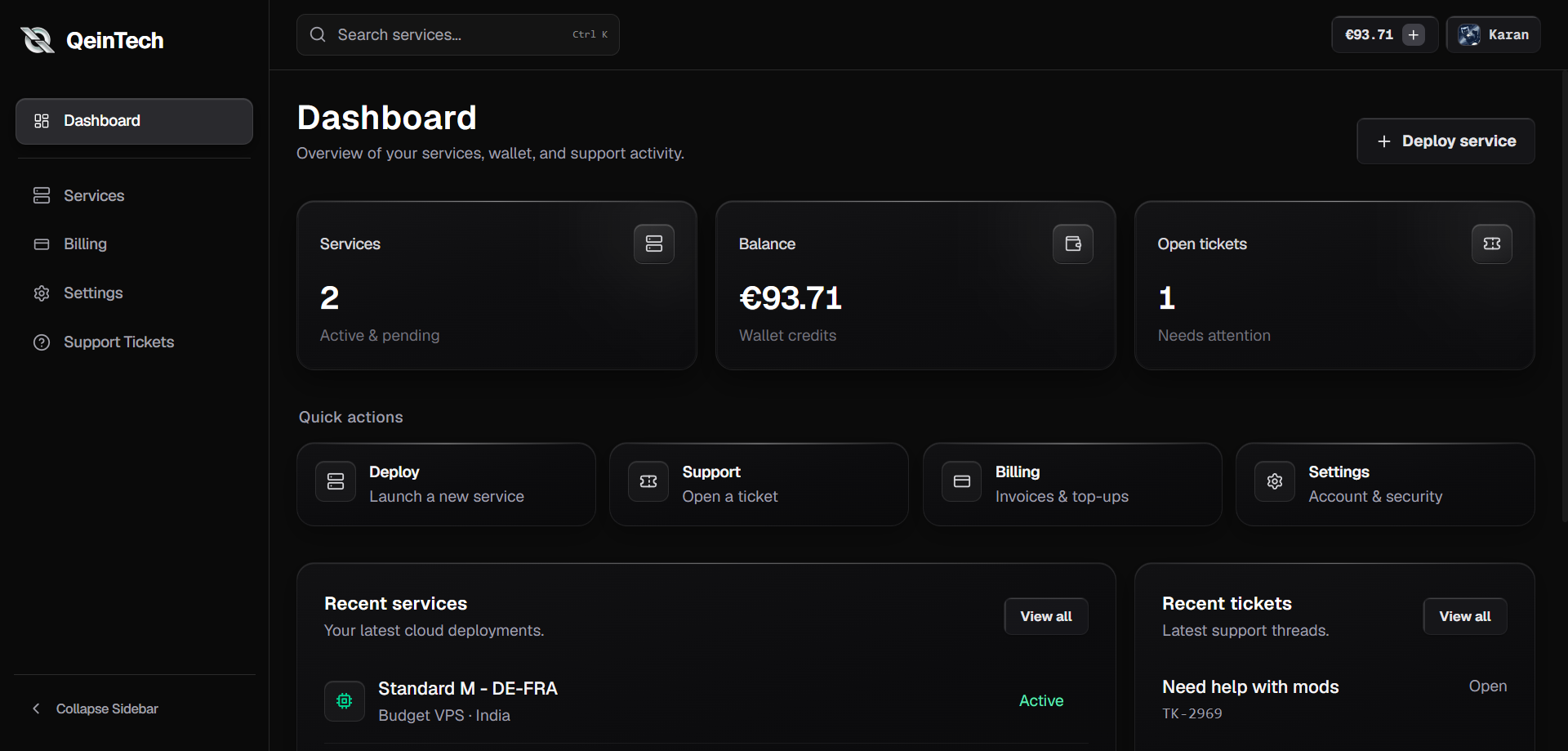
Upgrade hardware specifications seamlessly directly from your instance overview in the QeinTech Console:
1. Select Active Service
Navigate to your instance overview in the QeinTech Console and click 'Upgrade / Downgrade Plan'.
2. Review Prorated Billing
Select your desired tier. The billing engine will automatically apply any unused credit from your current plan toward the invoice difference.
3. Restart to Apply Changes
Once the transaction is verified, restart your instance. The hypervisor automatically expands your RAM and CPU core limits.
Still have questions?
Our engineering team and Discord community are available 24/7.